
The Ultimate Klas Enterprise Dashboard Walkthrough (2026)
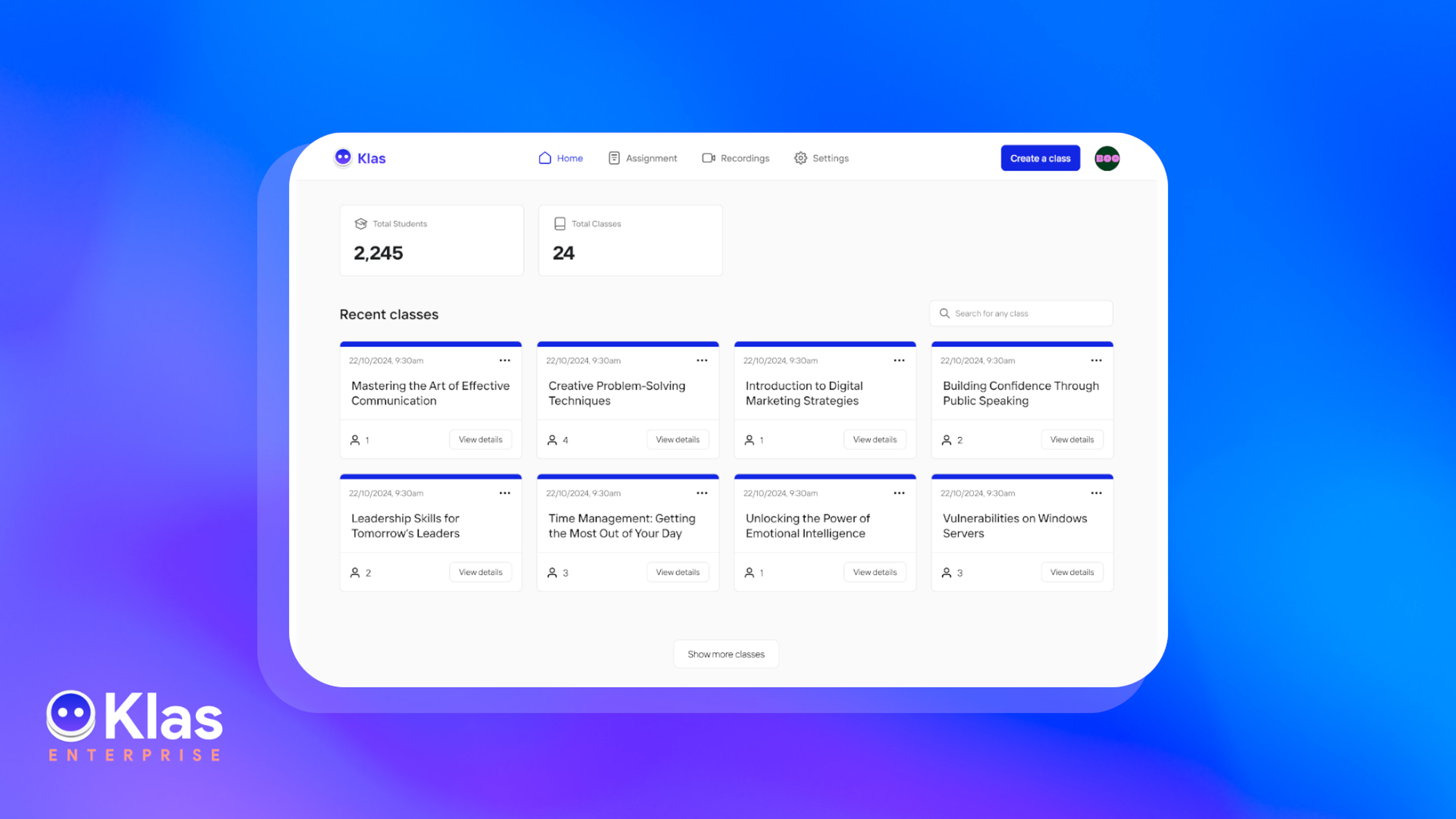

Remember when tracking corporate training meant drowning in Excel spreadsheets, chasing instructors for attendance reports, and waiting weeks to know if anyone actually completed compliance modules?
Yeah, those days are officially over. Now you can. She pulls comprehensive insights in under 5 minutes, spots problems before they escalate, and presents data-driven wins to leadership with confidence with the Klas Enterprise dashboards that turn messy training data into crystal-clear action plans.
Here is a tour of the six game-changing dashboards that'll make you the L&D lead your organisation deserves.
Why Klas Dashboards Transform L&D
Traditional LMS platforms just give you raw data, but Klas Enterprise does the heavy lifting for you with real-time analytics that actually make sense.
No need to export CSV files, build pivot tables, or play detective with incomplete information. Every metric updates live as learners engage, giving you instant visibility into what's working and what needs attention.
Read also: Complete Guide on How to Build Your 2026 Online Academy.
L&D teams using Klas report 40% faster compliance tracking and cut reporting time by over 60%. When your dashboards work this intelligently, data-driven decisions come easily.
The 6 Klas Dashboards You Should Know
Enrollment Overview Dashboard
This shows you your total enrollments across all programs, current active learners, new enrollments this month, and drop-off rates displayed in clean, colourful charts. The dashboard highlights trends at a glance.
Key Metrics Displayed:
- Total enrolled learners (all-time and current)
- Enrollments by course, department, and date range
- Peak enrollment periods (great for planning cohort launches!)
- Drop-off rates show where learners abandon courses
You can segment data by specific courses, departments, enrollment date ranges, or instructor teams to drill down exactly where you need clarity.
Identifying enrollment patterns helps you allocate budgets smarter and launch the right training at the right time, so you're never overspending on unpopular programs or under-resourcing high-demand courses.
Completion Rates Tracker Dashboard
You will see beautiful progress bars showing completion percentages for each course, with colour coding that shows completion rate in green and concerns in red instantly visible. You'll see completion timelines and average time-to-complete.
Key Metrics Displayed:
- Overall completion rates by program
- Individual learner progress tracking
- Module-by-module completion breakdowns
- Comparative cohort performance
If you notice one module consistently shows a massive drop-off across cohorts, that's your signal to refresh the content or add extra support resources; students are telling you something needs fixing.
Also read: Top 7 Corporate Training Trends for 2026
Revenue Tracking (Klas Pay Integration) Dashboard
You will see real-time revenue metrics showing total earnings, payment trends, outstanding invoices, and payout schedules. Klas Pay integration means every transaction (in USD, NGN, or other currencies) flows directly into your financial dashboard with zero manual data entry.
Key Metrics Displayed:
- Total revenue by course and time period
- Payment completion rates
- Pending payments and automated reminders sent
- Revenue forecasts based on current enrollments
Use revenue-per-course data to identify your most profitable programs, then create similar offerings or upsell advanced versions to maximise returns on your successful content.
Attendance & Live Session Analytics Dashboard
This shows session-by-session attendance breakdowns showing who attended which KlasLife classes, duration of participation, and engagement levels during live sessions. It reveals your best-attended time slots and most popular session topics.
Key Metrics Displayed:
- Attendance rates by session and learner
- Average session duration per participant
- Peak attendance times and days
- No-show patterns and trends
When you notice consistent absence at 9 AM Monday sessions, schedule more important sessions at higher-attendance times (if the data shows Wednesday afternoons often win), and send WhatsApp reminders 2 hours before lower-attendance slots to boost participation.
Also read: How to Plan Strategic Seasonal Marketing for Course Creators.
Optimising session timing based on actual attendance data can boost participation by 30-50%, ensuring your live training investments reach maximum eyeballs and deliver intended impact.
Quiz Performance & Knowledge Retention Dashboard
You will find a comprehensive quiz analytics showing average scores, question-by-question performance, common wrong answers, and improvement trends across retakes. This dashboard reveals exactly what learners master versus what concepts need reinforcement.
Key Metrics Displayed:
- Average quiz scores by course and module
- Question difficulty analysis (which questions most people miss)
- Individual learner performance tracking
- Pass/fail rates and retake patterns
Questions that 70%+ of learners answer incorrectly signal a lack of understanding in certain topics; hence, you should revisit that content in your next cohort with better explanations or additional examples to improve knowledge retention.
Learner Engagement Insights Dashboard
You will see engagement metrics tracking student resource downloads, WhatsApp message open rates, group chat participation, and direct message activity. Visual engagement scores help you identify highly motivated learners versus those going silent.
Key Metrics Displayed:
- Daily/weekly active users
- WhatsApp notification open rates (often 85%+ with Klas!)
- Resource library access patterns
- Discussion forum and group chat activity
Learners who have been inactive for 7+ days or aren't opening WhatsApp reminders need re-engagement outreach, automated nudges through Klas can recover 45% of at-risk participants before they drop out completely.
Also read: How to Create Multiple Streams of Revenue from One Course.
Catching disengagement early prevents drop-offs and protects your completion rates, plus engagement data helps you design future courses that naturally keep learners coming back.
Your can enhance your dashboard’s presentation using custom date range filters to compare quarterly performance, set up automated email alerts when key metrics hit thresholds (like completion rates dropping below 70%), export reports as PDFs for stakeholder meetings, and create custom views saved for different audiences (one for instructors, another for executives). The dashboards adapt to your workflow, not the other way around.
Explore Klas Enterprise and discover how these intelligent dashboards can turn training chaos into strategic wins for your company.


